Headway Login Not Working? Troubleshooting Guide for Providers
Last reviewed: October 30, 2026
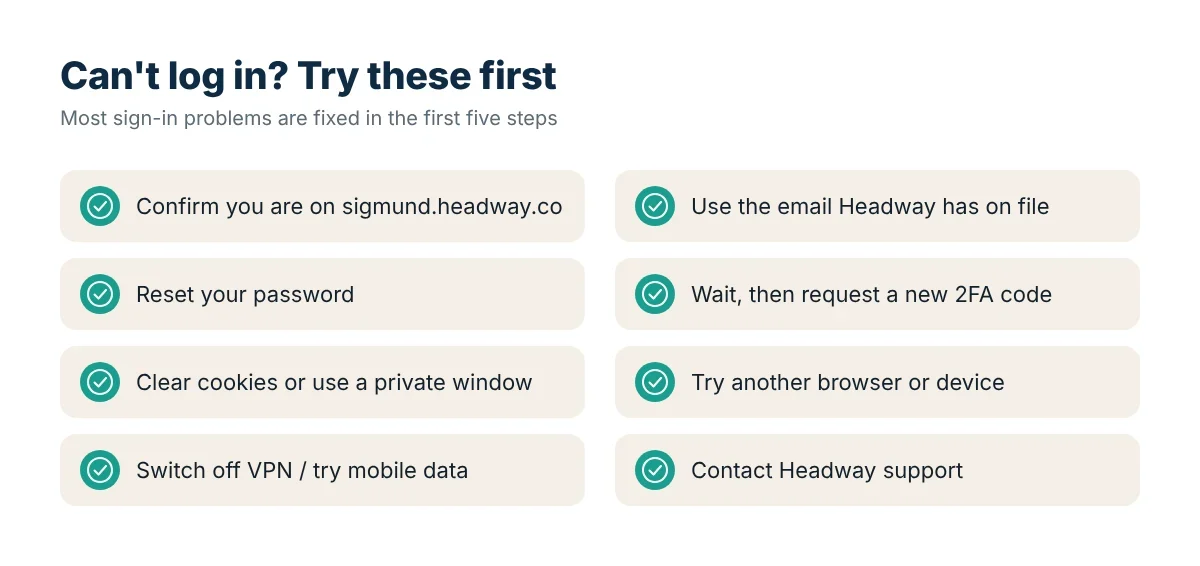
Few things are more stressful than being locked out of your practice software ten minutes before a session. If you cannot sign in to Headway’s provider portal (Sigmund), work through these fixes in order. Most problems are solved within the first five steps.
The official provider login is sigmund.headway.co. This independent guide cannot access or reset your account.
1. Make sure you are on the real site
Look at the address bar. It should read sigmund.headway.co with a padlock. If you reached a login page from an ad, a search result for another site, or an unexpected email, close it and type the address yourself.
2. Use the email Headway has on file
Many clinicians have a personal email, a practice email and an old agency email. Try each one. If you joined as part of a group practice, your group admin may have invited you with a specific address.
3. Reset your password
Use “Forgot password” on the login page. Check your spam or promotions folder for the reset email. Reset links usually expire, so use the newest email and open it on the same device.
4. Two-factor code not arriving
- Check that your phone has signal and the correct time setting.
- Wait a minute before requesting a new code; repeated requests can invalidate earlier ones.
- If you use an authenticator app, make sure you are reading the Headway entry.
- Lost your phone? Contact Headway support to verify your identity.
5. Clear cache and cookies
Old cookies can cause login loops. Clear cache and cookies for headway.co, or open a private/incognito window and try again.
6. Try another browser or device
Use an up-to-date version of Chrome, Safari, Edge or Firefox. If it works elsewhere, a browser extension (ad blocker, privacy tool or password manager) may be interfering. Disable extensions one at a time.
7. Check your network
Some workplace, hospital or public Wi-Fi networks block certain sites. Try switching to mobile data. Turn off VPNs temporarily.
8. Check whether Headway is having an outage
If several colleagues have problems at once, the issue may be on Headway’s side. Wait a few minutes and check Headway’s official channels or Help Center.
9. Account not set up yet
If you have only just spoken with Headway, your account may not be active. Look for your welcome email and follow its link to finish setup. See credentialing with Headway.
10. Contact Headway support
If nothing works, reach Headway through the Help Center. Tell them which email you use, what error you see and which browser and device you are on.
Protect yourself from phishing
- Headway will not ask for your password by phone, text or email.
- Don’t sign in through links in unexpected messages.
- Turn on two-factor authentication and use a unique password.
- Report suspicious emails to Headway.
What to do if you have a session right now
If a client is waiting and you cannot get in:
- Contact the client using the approved method you already have on file and let them know you are having a technical problem.
- Use your backup HIPAA-compliant video platform if you have one.
- Confirm and document the session in Sigmund as soon as access is restored.
FAQ
Why does Sigmund keep sending me back to the login page?
This is usually a cookie problem. Clear cookies for headway.co or try a private window.
Can I log in to Headway on my phone?
Yes, Sigmund works in mobile browsers.
Is “Headway login” the same for clients and providers?
No. Providers use Sigmund at sigmund.headway.co. Clients sign in to their own account on headway.co.
See also: How to log in to the Headway provider portal.